
Komisyonsuz partner
Small restaurant online ordering and site setup
An ordering site that goes live fast for small, low-staff restaurants with a ready theme and easy menu entry. It needs no technical knowledge and has a low operational load; your own order page is live in a short time.
Short answer
Small restaurant online ordering and site setup lets low-staff businesses put their own order page live in a short time with a ready theme, easy menu entry and minimal technical knowledge. The operational load is low and it is manageable even by one-person teams.
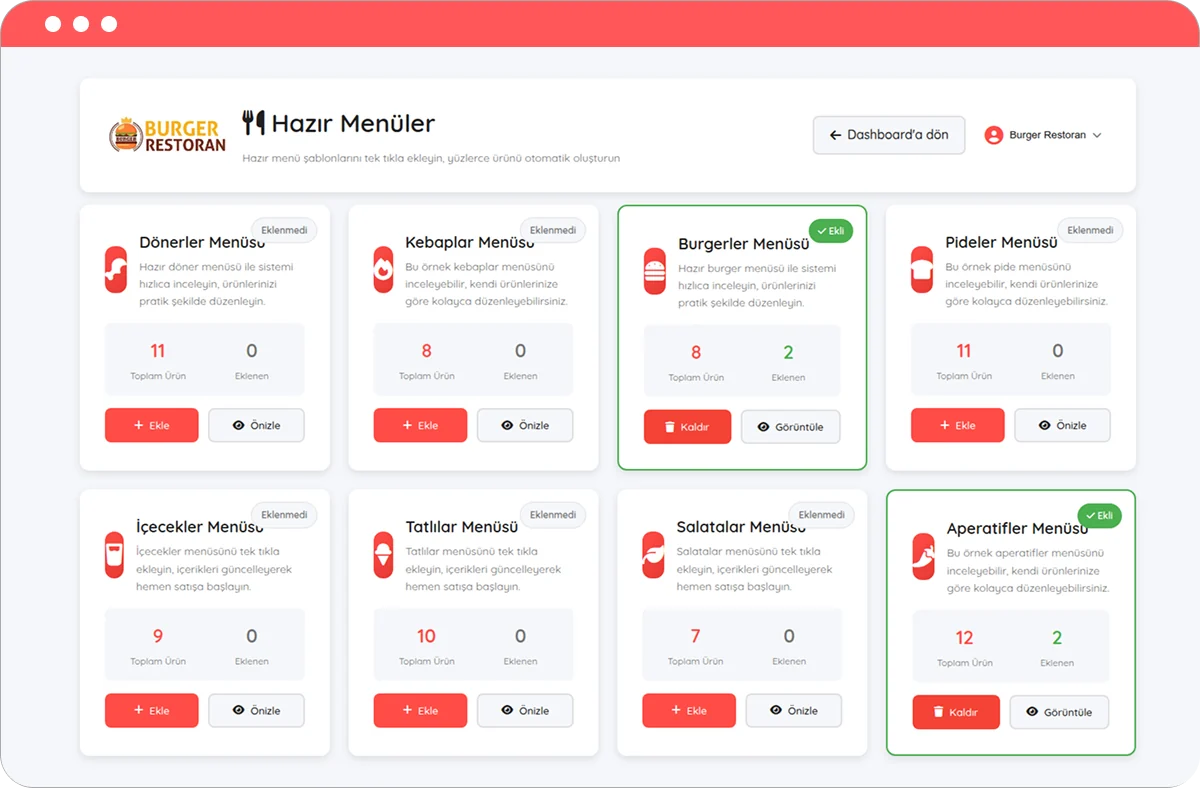
What is small restaurant online ordering and site setup?
It is a fast, low-effort setup approach designed for small, low-staff businesses. It requires no long web projects or technical team; you enter your menu onto a ready theme and go live in a short time.
Components that make fast setup possible
- Ready theme: A ready template, adaptable to your brand, with no design work.
- Easy menu entry: Adding products, categories and options step by step.
- Minimal technical knowledge: No code or server knowledge required.
- Low operational load: A simple panel manageable even by one-person teams.
Setup steps
- Choose the ready theme and adapt it to your brand with logo/colors.
- Enter the menu with core products; expand later.
- Define delivery/pickup and payment options.
- Connect your domain and go live; share the QR and link.
Practical tips for small businesses
- Prioritize photos of your bestsellers; it increases conversion.
- Show minimum basket and delivery fee transparently.
- Update preparation time at busy moments or pause orders temporarily.
- Add your order link to Google Business Profile and social media.
Who is it for?
- Single/low-staff restaurants, cafés and snack bars
- Businesses opening an online ordering channel for the first time
- Small businesses that want a fast, low-cost start
Related topics and resources
- online ordering system pricing
- contactless ordering system
- direct ordering vs intermediary platforms
- setup cost guide
- online ordering system features
For details and a demo contact us or review free setup steps.
Frequently asked questions
I have no technical knowledge — can I still set it up?
Yes. With a ready theme and step-by-step menu entry, no technical knowledge is required; if you get stuck, setup support is with you. Start with registration and setup.
Is the operational load heavy for a one-person business?
No. Orders land in one panel; confirming and updating preparation time take a few taps. At busy moments you can pause orders temporarily with "busy mode".
Does small restaurant online ordering and site setup require a mobile app?
No — customers order from a mobile browser. See ordering without downloading an app.
Get started
Contact us about an online ordering solution for your business and start taking orders on your own channel with Komisyonsuz.