
Guide
What is a digital menu?
A digital menu structures your offering with categories, options, visuals and prices; content is edited in one place and optimized for sales.
Short answer
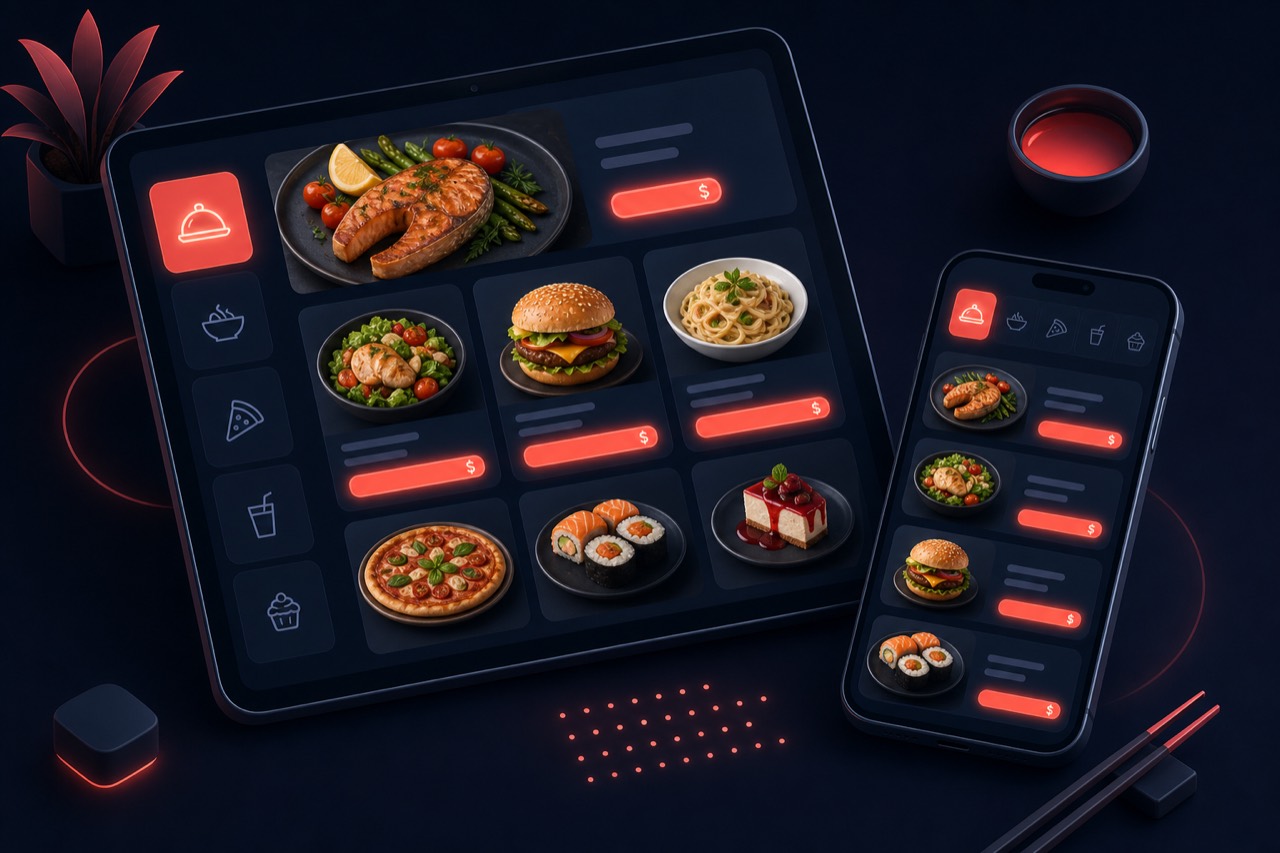
A digital menu replaces the printed menu and presents items with category architecture, modifier/option groups, visuals and descriptions. Its strength is structured content: menu engineering arranges product order, options and pricing to drive sales; allergen info and multilingual display are added.
Definition
A digital menu treats the menu as manageable data, not a static image: categories, items, modifier (option) groups, visuals, descriptions and prices are edited separately. This structure turns the menu into a tool that guides sales.
A digital menu is independent of how it is accessed; QR is only one access method (see the QR ordering guide for details). Here the focus is menu content and engineering: what to show, in which order, with which options and at which price.
How is it structured?
A sales-oriented digital menu typically has these layers:
- Category architecture: items grouped logically; most profitable and best-selling categories placed first.
- Modifier / option groups: size, extras, doneness and similar choices; price impact defined for each.
- Visuals and descriptions: high-converting items get quality images and appetizing copy.
- Allergen/nutrition labels and multilingual entries; the menu kept current from one source.
Benefits
A well-built digital menu raises average basket and margin.
Menu engineering
Position items by profitability and popularity; star products upfront improve the sales mix.
Upsell with modifiers
Extras and option groups raise average basket; combinations earn more than a single item.
Allergen transparency
Food and allergen labels build trust; fewer questions and complaint/return risk.
Multilingual access
The same menu in several languages serves tourists and foreign guests from one source.
Building blocks of a digital menu
Components that optimize the menu for sales:
Category architecture
How items are grouped and ordered. The right category order steers browsing customers toward profitable items.
Modifier / option groups
Choices like size, extra ingredients or cooking preference. Required/optional and single/multi rules and price effects are defined here.
Allergen and nutrition labels
Allergens (gluten, lactose, nuts) and calorie/nutrition info marked per item; menu transparency rises.
Multilingual menu
Name and description of each item in different languages. Shown by customer language; managed from one source.
Visual optimization
High-quality, fast-loading product images. Appetizing visuals significantly raise the chance an item is chosen.
Pricing and menu testing
Testing product order, copy and price over time and measuring with sales data. The menu is a living asset, not a fixed list.
Best practices
When building a digital menu, keep these in mind:
- Order categories by profitability and popularity; keep star products at the top.
- Keep modifier groups simple; too many options cause decision fatigue.
- Add quality images and short, appetizing copy to best sellers.
- Mark allergen and nutrition info per item for trust and transparency.
- Manage the menu from one source and review regularly against sales data.
Related guides and solutions
Frequently asked questions
- Is a digital menu the same as a QR menu?
Not exactly. A digital menu is about content and structure (categories, modifiers, languages, visuals); a QR menu is one way to reach it. A digital menu can also be opened via link or in-venue screens.
- What is a modifier (option) and why does it matter?
A modifier is a choice group tied to an item (size, extra ingredient, doneness). Well-designed options clarify the experience and raise average basket through upselling.
- Can I add allergen and nutrition info to the menu?
Yes. Allergens (gluten, lactose, etc.) and nutrition/calorie labels can be defined per item for transparency and customer trust.
- Can I offer the menu in several languages?
Yes. Each item's name and description can be defined in different languages; the menu is shown in the customer's language and kept current from one source.
Summary
A digital menu treats the menu as manageable data: category architecture, modifier groups, allergen labels, multilingual entries and visual optimization. Menu engineering arranges order and options for sales; the menu is a continuously improved sales tool, not a static list.
Get started
Contact us about an online ordering solution for your business and start taking orders on your own channel with Komisyonsuz.