
Guide
What is QR ordering?
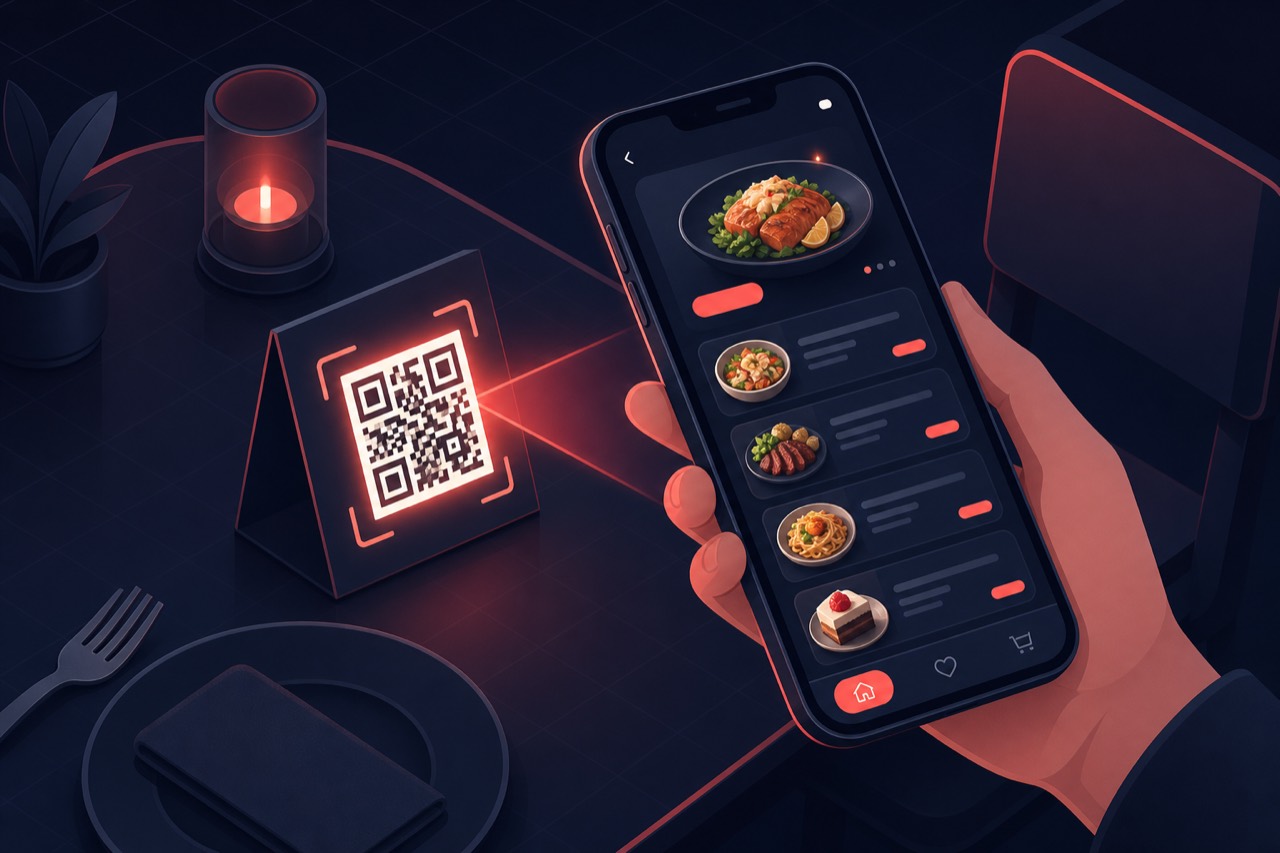
QR ordering lets a customer scan a table-specific QR code and place an order from their phone without waiting for a server, then pay at the table (Order & Pay).
Short answer
QR ordering assigns a unique QR code to each table so the customer scans it, places an order from their phone linked to the correct table, and can complete payment at the table (Order & Pay). Orders drop straight into the kitchen display (KDS) and POS/check; server load and order errors drop.
Definition
QR ordering is built on a table–code match: each table (or pickup point or receipt) gets its own QR code. When the customer scans it, a browser session locked to that table opens; the order links to the right table and check without being relayed by a server.
QR ordering is an ordering and payment flow, not just a way to show a menu: table identity, cart, payment and kitchen routing sit in one session. The code can be static (fixed link) or dynamic (carrying table/campaign data and updatable from the panel).
How does it work?
A contactless QR ordering flow typically follows five steps:
- Each table gets a unique QR code that carries the table identity.
- The customer scans the code with their phone camera; a session linked to that table opens in the browser.
- Items are selected; the table number is attached automatically—no need to tell a server.
- The customer pays at the table with Order & Pay or keeps the check open and pays on exit.
- The order drops instantly into the kitchen display (KDS) and POS/check; prepared items go to service.
Benefits
QR ordering helps you turn tables faster with fewer staff.
Contactless table turnover
Orders and second rounds are taken without waiting for a server; table turnover speed rises.
Faster collection with Order & Pay
The customer pays at the table; queue at the till and waiting for the bill shrink.
Correct table, fewer errors
Table–code matching keeps orders off the wrong table or wrong notes.
Scales under load
Even when many tables order at once in peak hours, flow is queued to the KDS in order.
QR ordering technology: concepts to know
These technical distinctions matter when setting up QR ordering correctly:
Static QR
A code pointing to a fixed link, printed once. As long as the link does not change, you do not need to reprint; table data is usually carried in the URL parameters.
Dynamic QR
A code whose destination can be updated from the panel. It carries table, campaign or channel data; you can change routing without reprinting the code.
Table QR
Setup that assigns a unique code to each table. It locks the order to the table—the basis of contactless ordering and pay-at-table.
Order & Pay
A flow where the customer places the order and completes payment in the same session at the table. It can support tipping, bill splitting and partial payment.
NFC / contactless
An NFC tag on the table as an alternative or complement to QR; holding the phone near it opens the same ordering session.
POS & KDS integration
QR orders landing on the check (POS) and kitchen display (KDS); menu and stock sync from one source so front of house and kitchen see the same data.
Best practices
When setting up QR ordering, keep these in mind:
- Prefer dynamic QR over static; you do not reprint when table or campaign changes.
- Embed the table number in the code so the order links to the right check automatically.
- Enable Order & Pay and clarify bill splitting and tipping options.
- Verify orders reach KDS and POS with a test order; sync the menu from one source.
- Make sure the QR landing page opens in under two seconds on mobile.
Related guides and solutions
Frequently asked questions
- What is the difference between static and dynamic QR?
Static QR goes to a fixed link and must be reprinted to change it. With dynamic QR you update the destination from the panel—table, campaign or channel routing—without changing the printed code.
- Can customers pay at the table with QR ordering?
Yes. With Order & Pay the customer places the order and pays at the table; bill splitting and tipping can be offered. You can also keep the check open and pay on exit.
- How does the order link to the correct table?
Each table gets a unique QR code (table QR) that carries the table identity, so the order lands on that table's check automatically—no need to tell a server.
- Does QR ordering integrate with kitchen and POS?
Yes. Orders go instantly to the kitchen display (KDS) and POS/check; when menu and stock sync from one source, front of house and kitchen see the same data.
Summary
QR ordering assigns a unique code per table, links orders to the right check and lets customers pay at the table (Order & Pay). Static/dynamic QR, table QR, NFC and POS/KDS integration are the building blocks; it helps you turn the dining room faster with fewer staff.
Get started
Contact us about an online ordering solution for your business and start taking orders on your own channel with Komisyonsuz.